

On Hold
Custom On Hold and Professional Greeting Packages


Listen To Samples
Other Products & Services
Testimonials
Customer Feedback

Maxine Santilli, Max’s Luxury Rides, Inc.
Great value and professional service. Everybody there helps you and watch you through the process. Rich Ellis is fantastic.
Maxine Santilli, Max’s Luxury Rides, Inc.
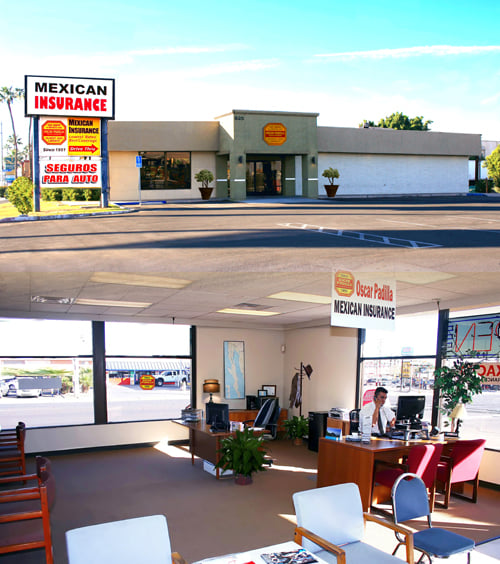
Daniel Figueroa, Oscar Padilla Mexican Insurance
Great prices, voice actors and service.
Daniel Figueroa, Oscar Padilla Mexican Insurance
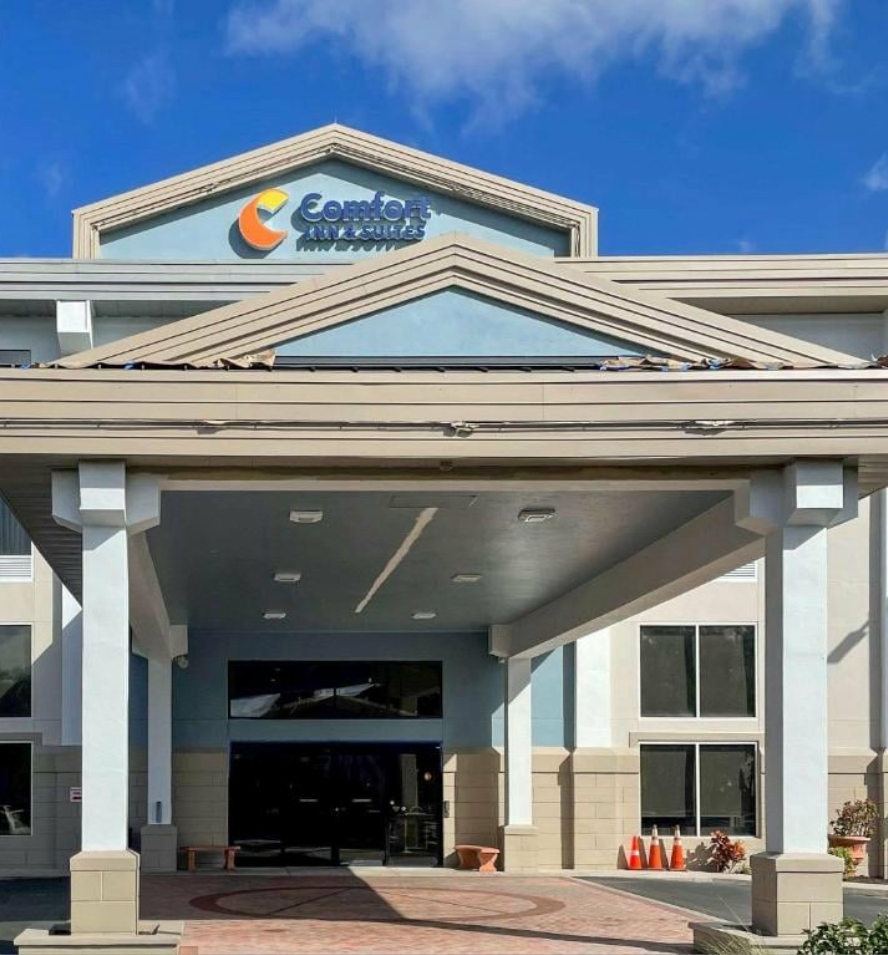
Julia A. Samblanet, Comfort Inn & Suites
He was great and kept me on track with completing the info needed. I was so busy with the conversion that he was extremely helpful.
Julia A. Samblanet, Comfort Inn & Suites
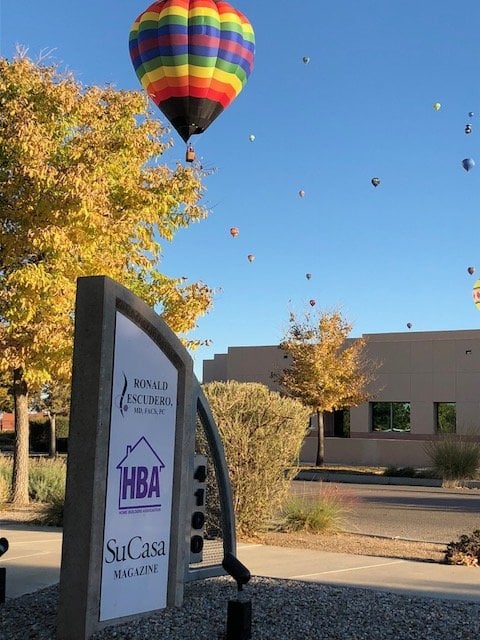
Shirley Willson, Ronald J Escudero MD PC
I was amazed at how easy it is to up date our recording!
Shirley Willson, Ronald J Escudero MD PC
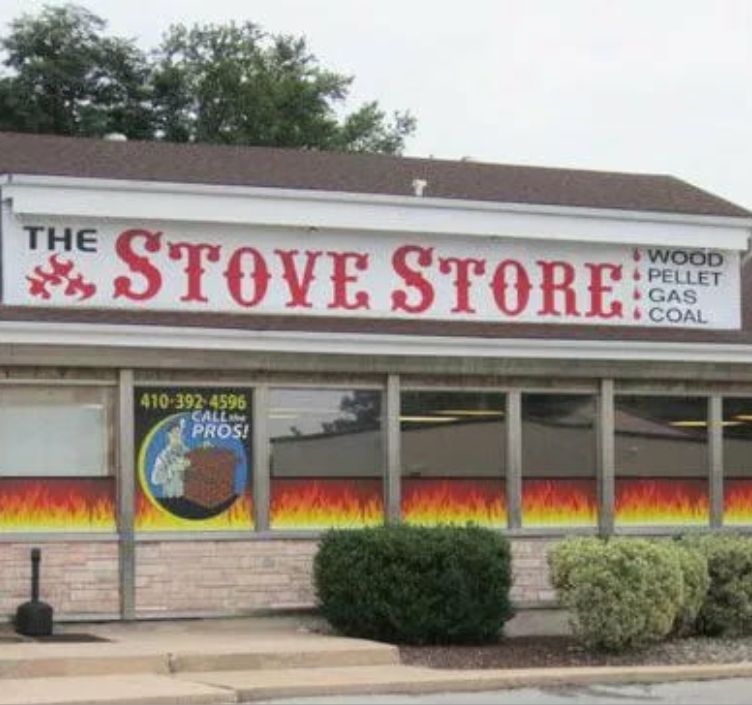
Skip Creswell, Ace Chimney Sweeps, Inc.
I was impressed with how easy the process was and the extremely quick turn around time.
Skip Creswell, Ace Chimney Sweeps, Inc.
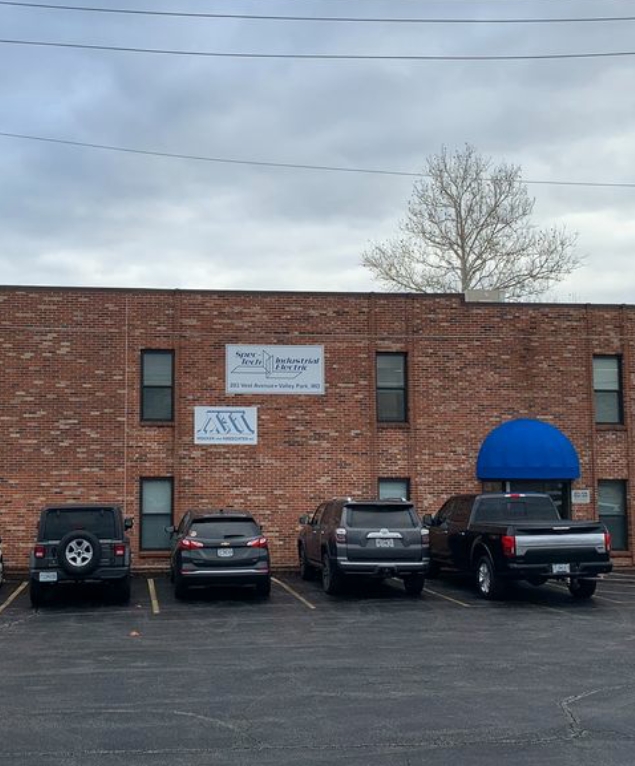
James G Mocker, Spec-tech Industrial Electric
Excellent experience.
James G Mocker, Spec-tech Industrial Electric
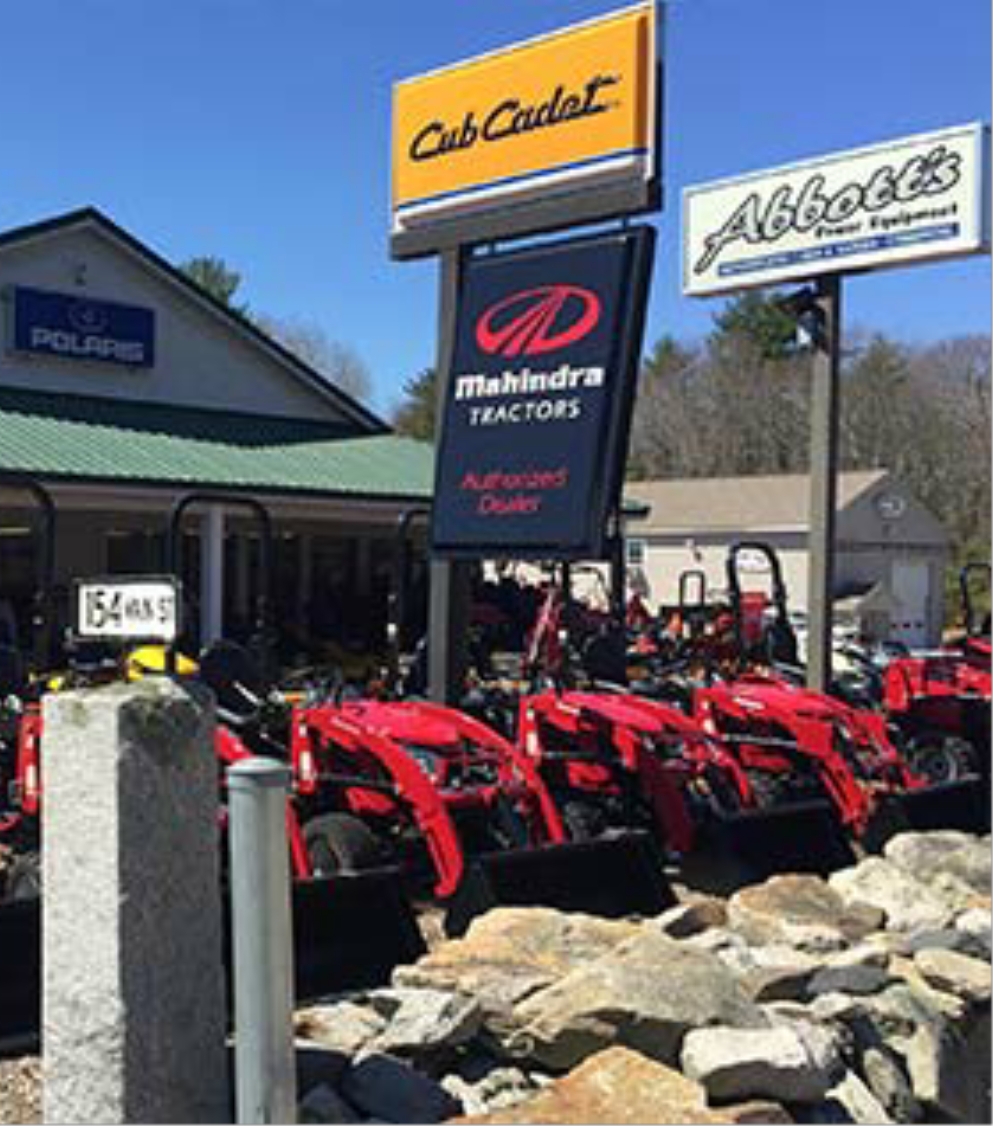
Melissa Cochran, F.M. Abbott Power Equipment
Simple solutions for our small business needs, Thank you.
Melissa Cochran, F.M. Abbott Power Equipment
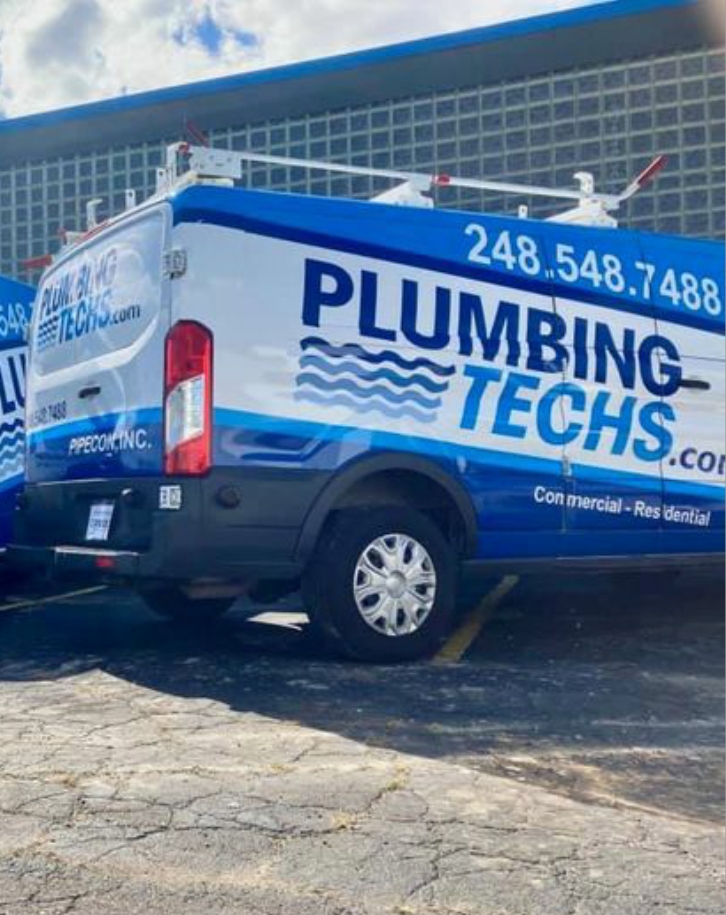
Scott Baxter, Plumbing Techs of Michigan
I am so happy to have found your company, you went above and beyond to help me navigate as to what I needed. I am super impressed!
Scott Baxter, Plumbing Techs of Michigan

Patience Tantoh, Premium Family Pharmacy
Thank you Rich for your excellent customer service! I will recommend your company any time.
Patience Tantoh, Premium Family Pharmacy

Questions?
Call Us
We're open weekdays from 10:00 a.m. until 4:00 p.m. (Pacific) or use our contact form below.
1-800-963-6968